Eliminate waste
Save time & money
pim starts with your shopping list - then organises everything you buy.
Items added to your list automatically become your inventory, with expiry tracking, alerts, and recipe suggestions built in.
Less thinking. Less waste. More control.
Know what you need - and what you already have.

Build your shopping list,your way
Add items to your shopping list manually or by scanning barcodes.
When you shop, those items automatically become your inventory - tracked, organised, and ready to use.
No extra steps.
Your inventory builds itself
Everything you buy is already there.
Make quick updates with simple swipes and long-presses, and always see what needs using first.
Fewer duplicates. Fewer forgotten items.
Cookfrom what you already have
See recipes based on what’s already in your kitchen.
Use up ingredients before they expire and avoid unnecessary trips to the shop.
Cooking, simplified.
Intelligent inventory management
Eliminate waste
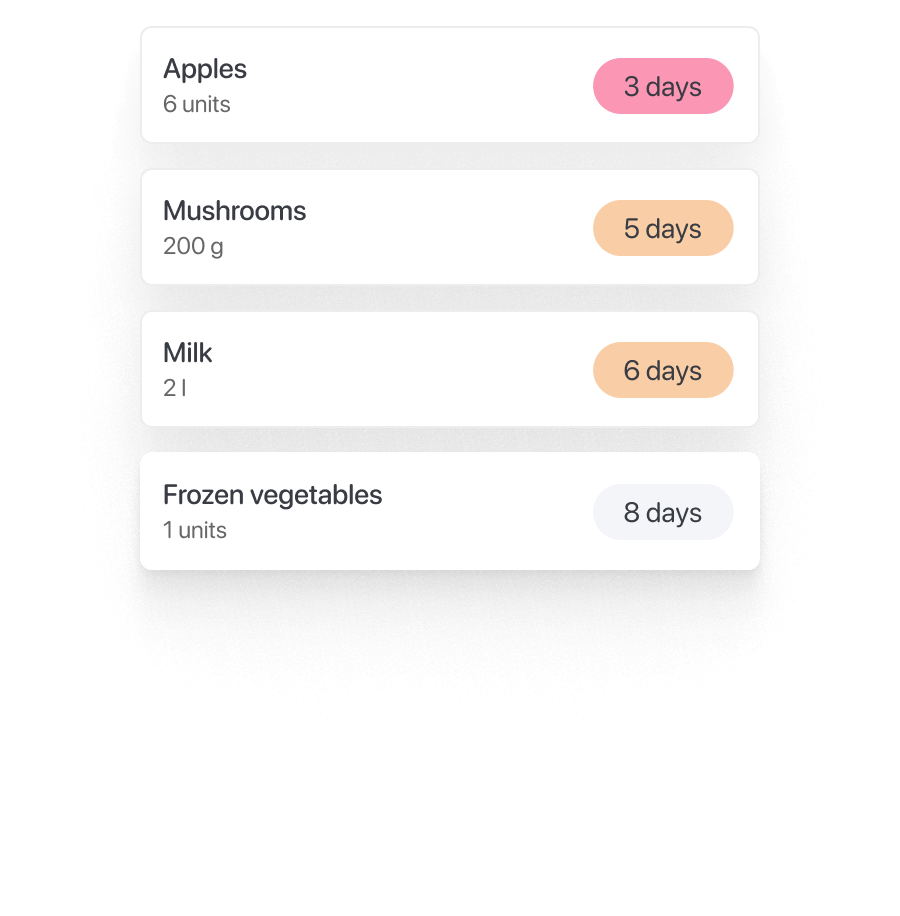
Use what you buy - before it’s forgotten. pim highlights what needs using first, so food doesn’t disappear into the back of the fridge.
Simplify shopping
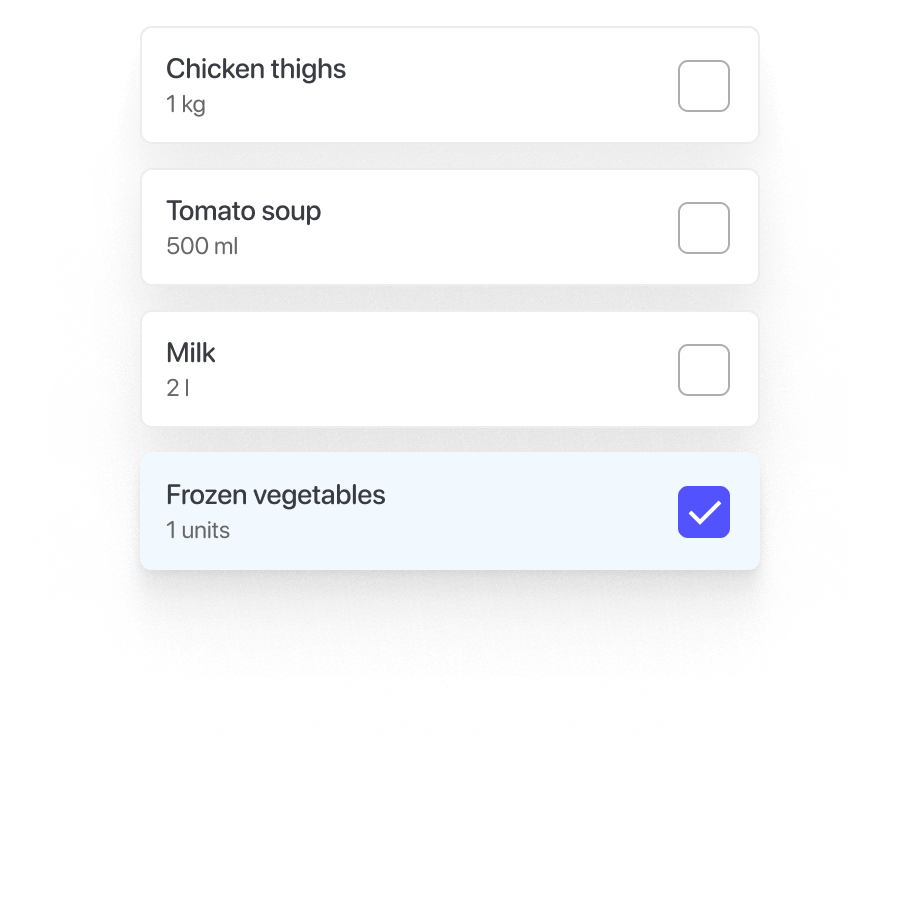
Your shopping list stays in sync. See what you already have while you plan your shop, and avoid buying duplicates.
Everything has its place
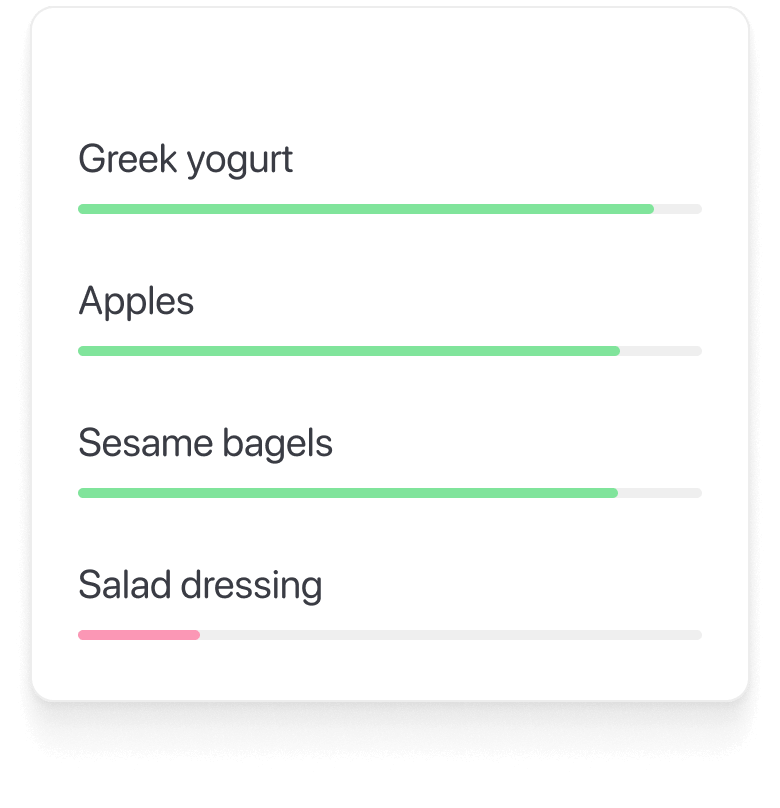
Automatically organised by category, location, and freshness - without manual sorting.


Shop smarter, without thinking about it
Know what you have, what you need, and what to use next - all from one list.
FAQ
What is pim?
pim is an inventory management app designed to help you track household items, monitor expiry dates, and create shopping lists. Our goal is to eliminate waste and enable you to live more efficiently.
How do I add items to my inventory?
Most people start with their shopping list. Items can be added:
- Directly from your shopping list.
- By scanning barcodes.
- By manual input.
How does pim track expiry dates?
pim allows you to input the expiry date for each item you add, and it automatically sends alerts before they expire. If you’re unsure of the expiry date, pim uses AI to estimate it based on the product type.
Can pim help with my grocery shopping?
Yes! pim simplifies grocery shopping by letting you create a shopping list directly from your inventory. You can also add items manually or use previous purchases to build your list.
Is pim free to use?
Yes, pim is free to use, and you can access all core features without any charges. We may introduce premium features in the future to enhance your experience even further.
How do I install pim?
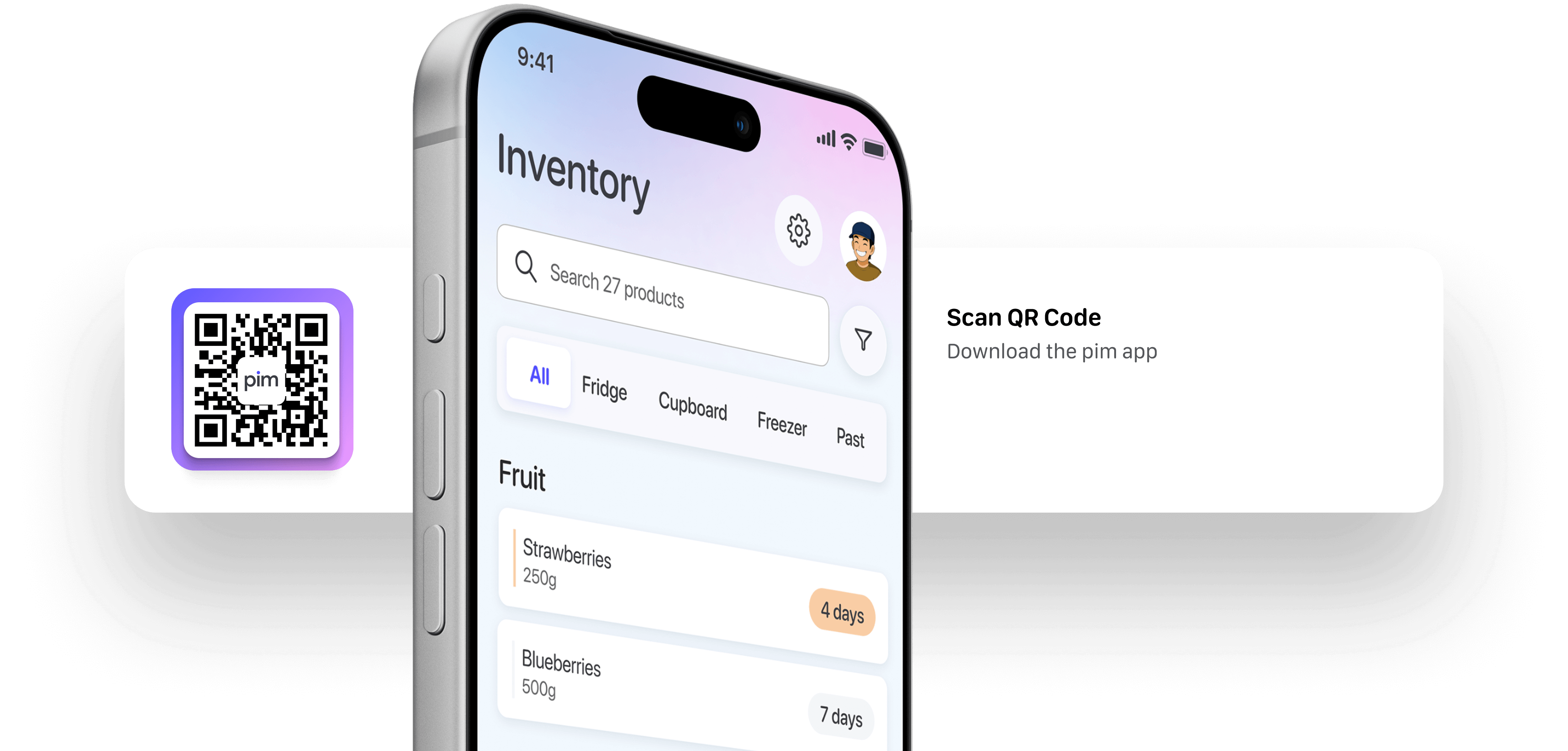
Download pim directly from the App or Google Play stores.
What devices are supported?
All iOS and Android devices can run the pim system.
How do I share feedback?
Feel free to email us anytime: hello@thepimsystem.com
Start with your shopping list.
Let everything else fall into place.